Choose the guide for your next decision
Start with document privacy if you are deciding what an AI service needs to receive. Compare offline and online redaction if you are choosing where the original file should be processed. Use the tax-document guide for an approved AI task. The general-document guide helps decide what to remove; the PDF and Word guides explain format-specific steps. Use the PDF verification guide when you have a saved file ready to inspect.
These guides explain the decisions and checks. For the desktop app itself, see the product overview and supported-file limits.
LATEST GUIDE
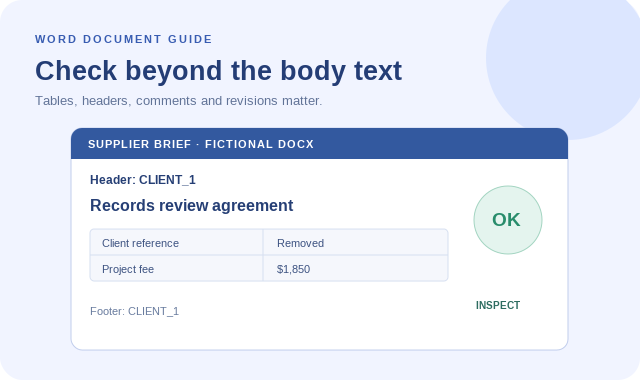 WORD DOCUMENTSHow to redact a Word DOCX document before sharingCheck paragraphs, tables, headers, comments and revisions in a separate Word copy.Read the article
More guides
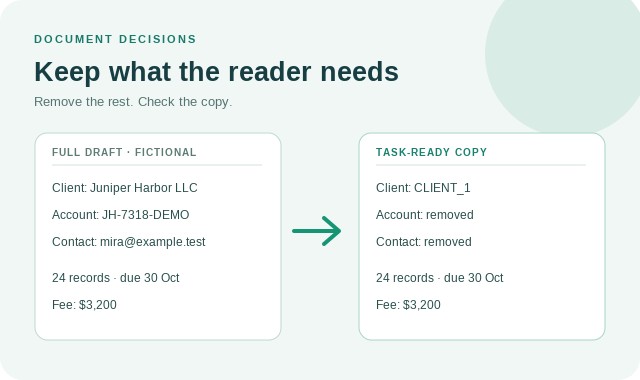 DOCUMENT REDACTIONHow to redact personal information from a document before sharingDecide what to remove, preserve useful facts and inspect the exact copy before sharing.Read the article
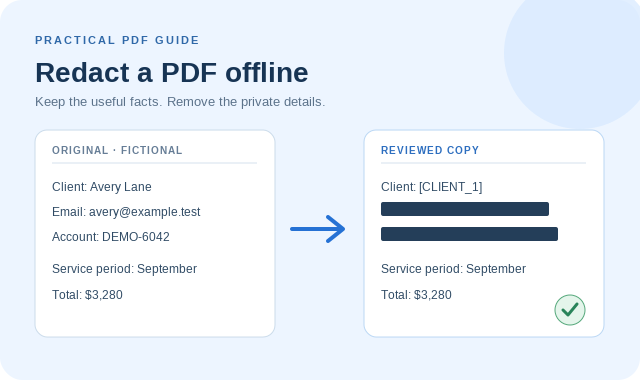 PDF REDACTIONHow to redact a text-based PDF offlineMake a separate working copy, apply real redactions locally, and check the exported file before sharing.Read the article
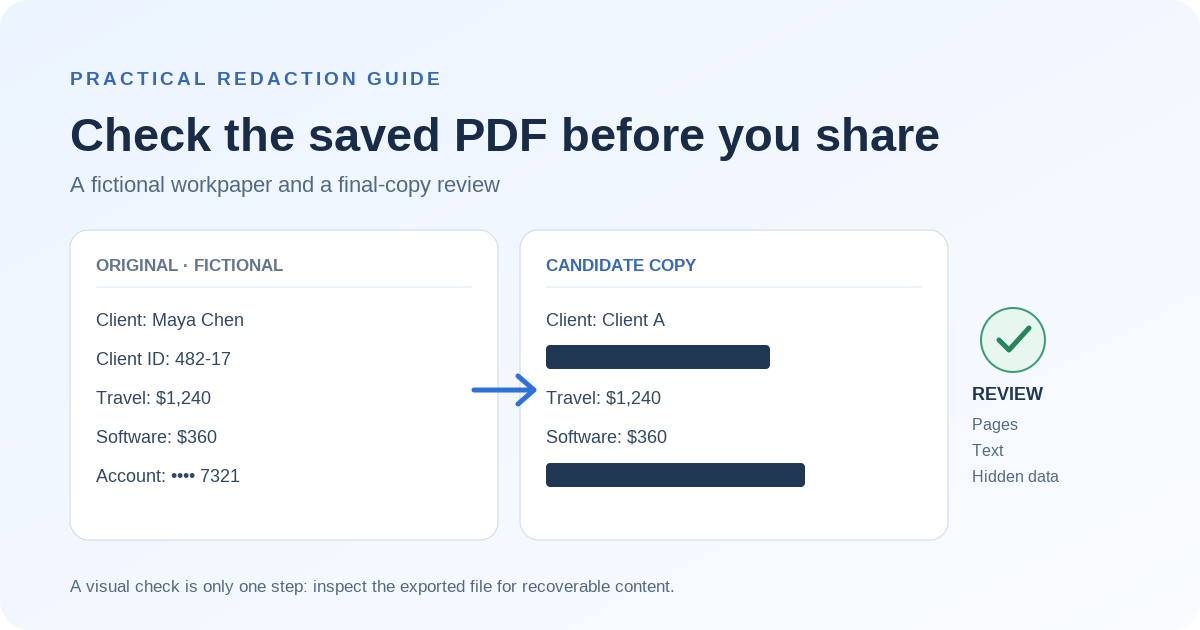 PDF VERIFICATIONHow to check a redacted PDF before sharing itCheck the saved PDF for visible mistakes, recoverable text and hidden information before sending it.Read the article
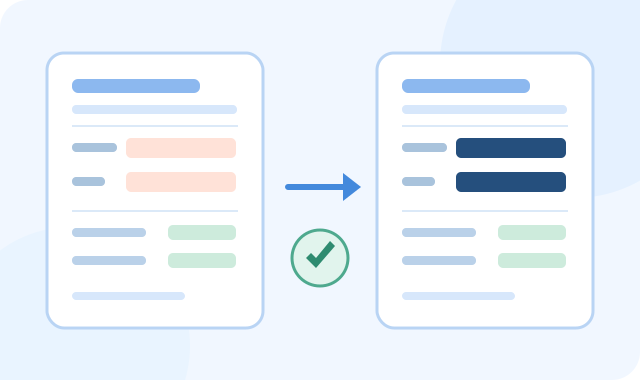 TAX DOCUMENTS & AIHow to redact tax documents before using AIPrepare a smaller tax workpaper for an approved AI task, with provider-policy checks and a fictional before-and-after example.Read the article
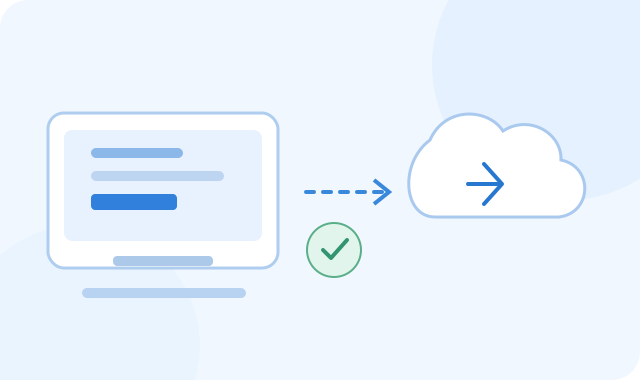 OFFLINE VS ONLINEOffline vs online document redactionCompare what happens to the original file, what each provider must be trusted with, and how to check the final copy.Read the article
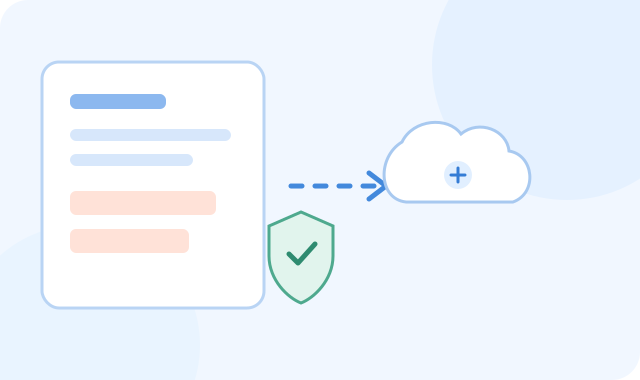 PRIVACY & AIDocument privacy when using AIWhy a useful AI question can expose more of a client document than the task requires, and which laws may apply.Read the article